1. Overview
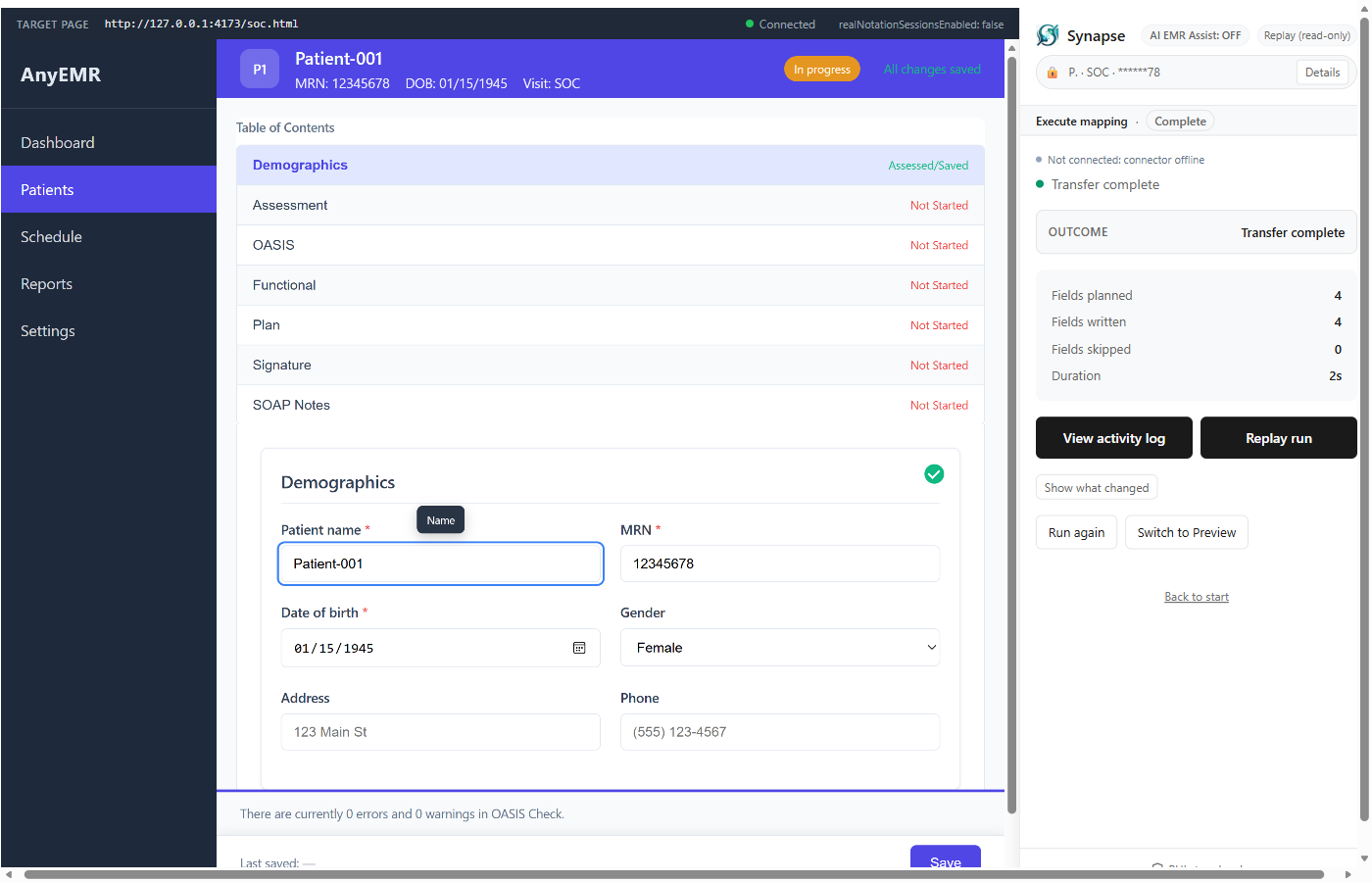
Synapse is a Chrome extension and local companion application developed by Fownd Inc. that transfers clinical documentation (SOAP notes) from the Notation platform into Electronic Medical Record (EMR) systems. This policy supplements the Fownd Inc. General Privacy Policy. Where this policy addresses topics specific to Synapse, it takes precedence for the Software.
2. What We Collect
| Data | Purpose | Where Stored |
|---|
| Fownd account email | Authentication via Keycloak SSO | Local keychain / credential store |
| Extension preferences | Transfer settings, UI state | Chrome storage.local (on-device) |
| Structural mapping metadata | Improving field mapping accuracy | Optional cloud sync (no PHI) |
3. What We Don't Collect
- Patient names, MRNs, dates of birth, or any Protected Health Information (PHI)
- Clinical note content (SOAP text, assessments, treatment plans)
- EMR credentials or session tokens
- Browsing history, cookies, or activity on non-EMR sites
- Screenshots, screen recordings, or DOM snapshots containing patient data
4. Local Processing
All clinical data processing happens on your local machine via the Synapse companion application (daemon). The daemon:
- Holds PHI in memory only during active transfers
- Discards all clinical data when the transfer completes or the application closes
- Never writes PHI to disk, logs, databases, or temporary files
- Communicates with the Chrome extension over a local-only channel secured with HMAC signatures
5. Extension Permissions Explained
| Permission | Why It's Needed |
|---|
sidePanel | Provides the main Synapse user interface as a Chrome side panel |
activeTab | Reads the current EMR page to identify form fields for mapping |
storage | Saves your local preferences (never clinical data) |
nativeMessaging | Communicates with the local Synapse daemon via Chrome's native messaging protocol |
clipboardWrite | Fallback for EMR fields that cannot be auto-filled directly |
identity | Single sign-on with your Fownd account via Keycloak |
https://*/* | Must interact with any EMR web application (EMR list is open-ended) |
6. AI & Machine Learning
Synapse uses AI to assist with mapping clinical fields to EMR form elements. The AI component:
- Receives only structural metadata: hashed CSS selectors, canonical field identifiers, DOM element roles, and field labels
- Never receives patient data, note content, or any PHI
- Is used as a fallback — deterministic rules always take priority over AI suggestions
- Cannot override or replace clinician-confirmed mappings
7. Data Sharing
Fownd Inc. does not sell, rent, or share personal data or clinical information with third parties. The only external communications Synapse makes are:
- Authentication: Keycloak identity provider (
auth.fownd.care)
- Mapping metadata (optional): Structural field mapping data sent to
inference.fownd.co — contains no PHI
8. Data Retention
- Clinical data: Zero retention. Discarded from memory after each transfer.
- Account data: Retained while your Fownd account is active. Request deletion at privacy@fownd.care.
- Mapping metadata: Retained for service improvement. Contains no PHI.
9. Your Rights
You have the right to:
- Request access to any data associated with your account
- Request deletion of your account and associated data
- Opt out of structural mapping metadata collection
- Withdraw consent for data processing at any time
To exercise any of these rights, contact privacy@fownd.care.
10. Contact
Fownd Inc.
Email: privacy@fownd.care
General Privacy Policy: fownd.care/privacy